We set up the event page
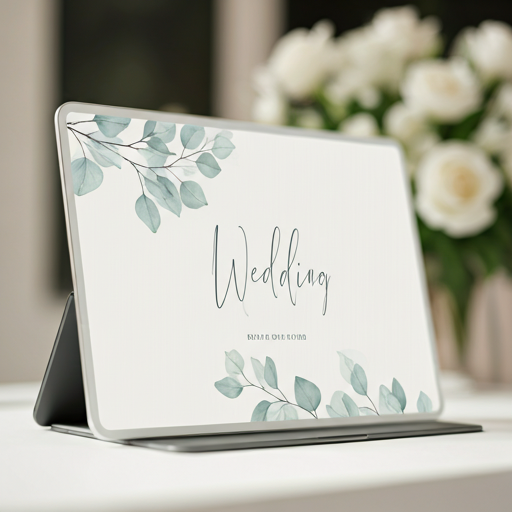
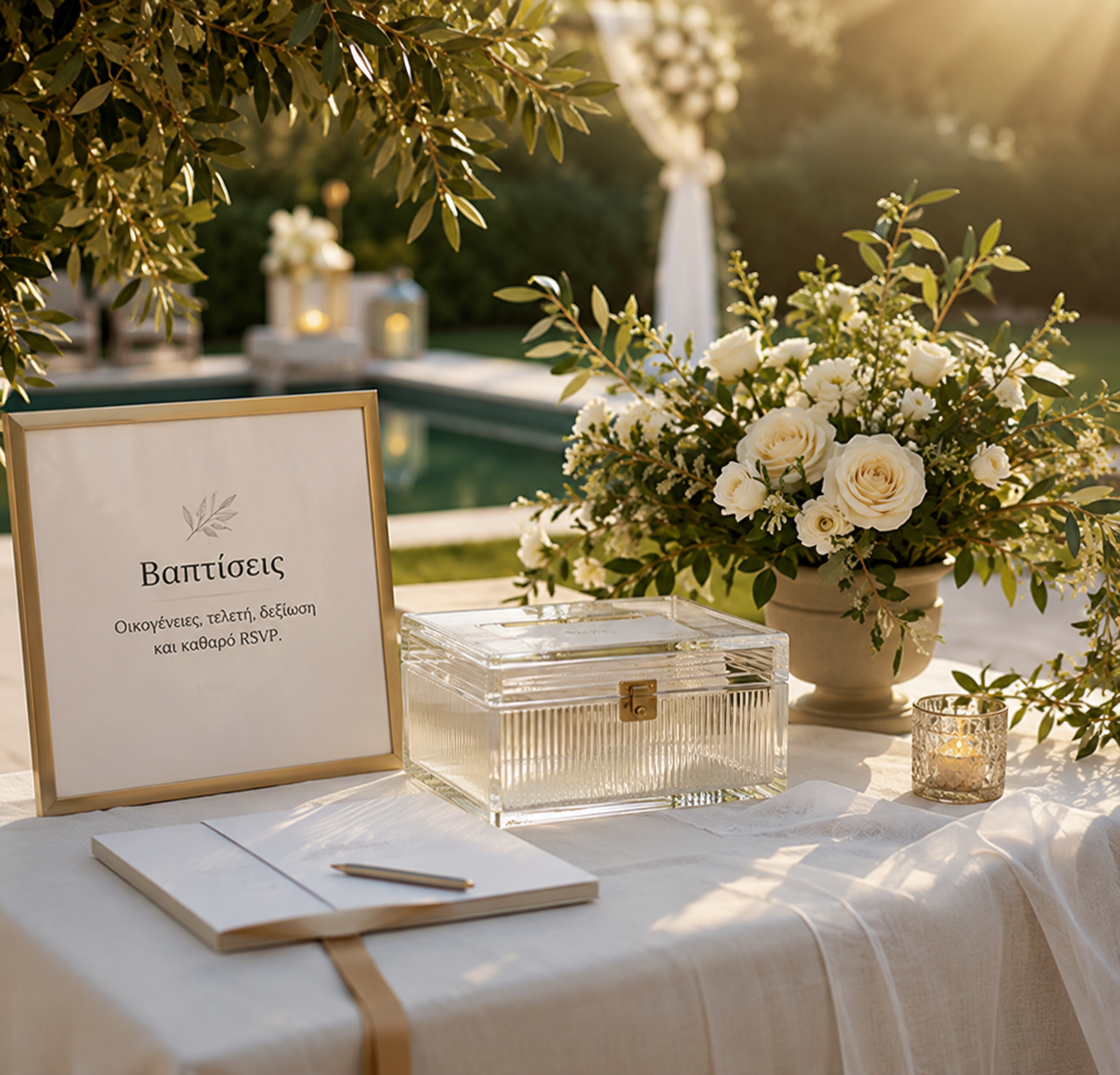
Title, date, colors, images, schedule, locations, maps, languages, and core copy are placed inside a branded microsite.

Invite Clarity connects the guest experience with the tools the organizer needs: event page, guest list, personal links, RSVP, reminders, gifts, seating, and reports.
For the guest, the result is a beautiful, clear invitation. Behind it, every response, send, and pending item is recorded in a dashboard.
View examplesTitle, date, colors, images, schedule, locations, maps, languages, and core copy are placed inside a branded microsite.
Guests are organized into guest groups with reserved places, email, phone, language, events, and internal notes.
Each guest group has a unique invitation link, so it sees its own invitation without login, passwords, or generic forms.
Email, WhatsApp helpers, manual share, and scheduled reminders keep communication organized and logged.
They state whether they will attend, how many adults and children will come, which events they will attend, and any notes.
RSVP totals, event attendance, dietary notes, gift reservations, seating, and exports are ready for the planner, venue, and collaborators.
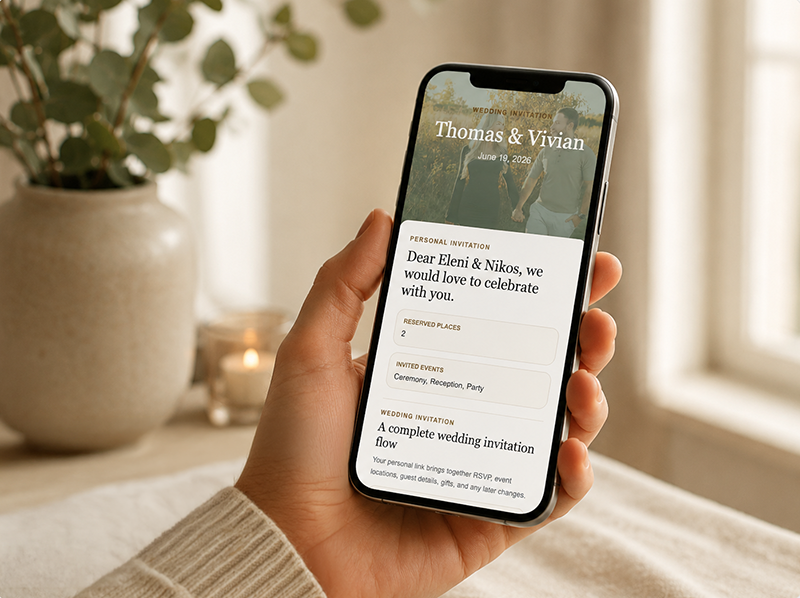
They see the invitation, schedule, locations, maps, gift registry, and useful information.
They submit attendance, adults, children, events, and notes without an account or complicated form.
The response remains saved and can be edited again from the same link.
You do not need to collect responses from messages, phone calls, and Excel. You see what is happening in real time and follow up only where needed.
HTML templates, bilingual variants, sender settings, and send logs.
Adults, children, per-event attendance, notes, and editable responses.
Gift registry, reservations, money gift options, IBAN/IRIS, and notifications.
Tables, assignments, over-capacity warnings, print views, and exports.
Manual and scheduled reminders for pending guests with sends and skipped reports.
Reports for guest list, RSVP, gifts, seating, privacy, and operational follow-up.
Guest lists include personal data, RSVP responses, dietary preferences, and notes. That is why Invite Clarity is designed with controlled access, personal links, noindex options, export/delete tools, and privacy settings per event.
Tell us what you are preparing and we will show you the right invitation, RSVP, and guest management flow.